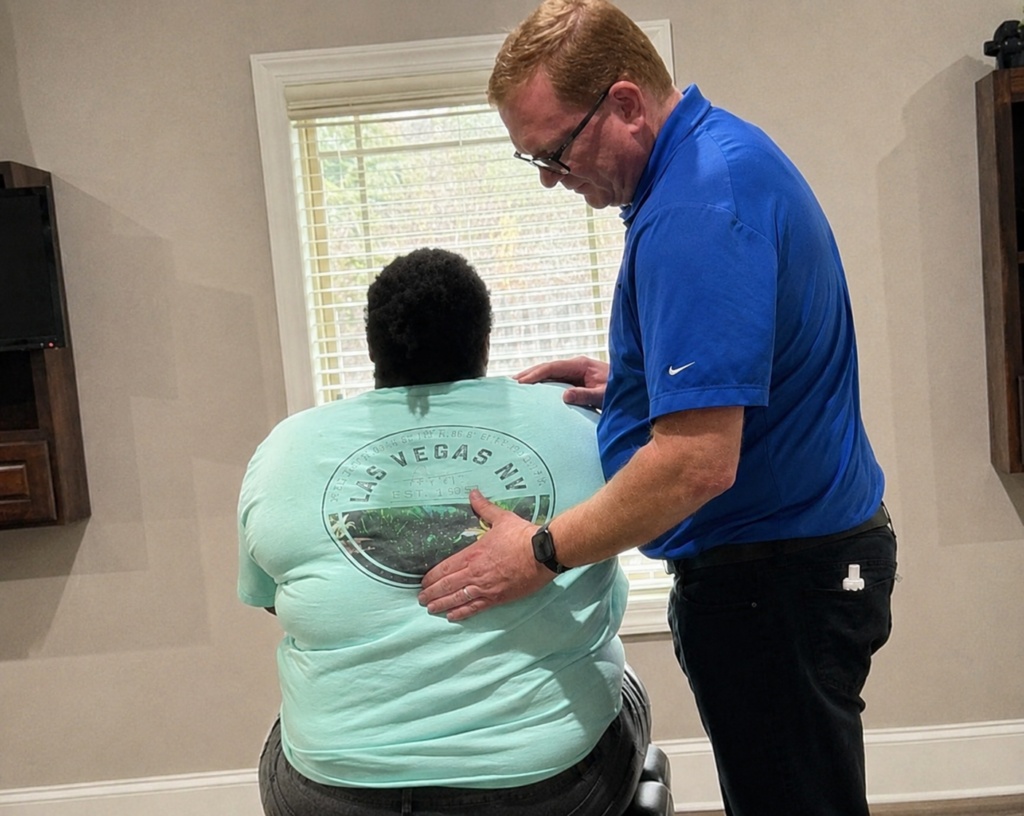

You might not realize it, but the way you set up your workspace can profoundly impact your posture and overall comfort during those long hours at your desk. By making some straightforward adjustments, you can prevent discomfort and enhance productivity. From investing in an ergonomic chair to ensuring your monitor is at eye level, these changes can make a world of difference. Curious about the specific solutions that can lead to a healthier work environment? Let's explore the top seven strategies that could transform your daily routine.
Ergonomic Office Chair
Investing in an ergonomic office chair can transform your workspace and enhance your productivity. When you choose a chair designed to support your body, you'll notice significant improvements in comfort and focus. Unlike traditional chairs, ergonomic designs promote proper posture, reducing the strain on your back and neck during long hours of work.
You'll want to pay attention to key features like adjustable seat height, lumbar support, and armrests. A chair that allows you to customize your position will help you maintain a neutral spine alignment, alleviating pressure on your lower back.
Plus, with adjustable armrests, you can guarantee your arms are supported, preventing fatigue and discomfort in your shoulders.
Don't forget about the material and padding. A breathable fabric will keep you cool, while adequate cushioning will provide comfort without sacrificing support. Look for a chair that suits your personal style, as the aesthetic can also boost your motivation to work.
As you settle into your new ergonomic chair, take a moment to adjust it to fit your body perfectly. This small step can lead to long-term benefits, helping you stay engaged and productive throughout the day.
Desk Height Adjustment
To maintain good posture while working, it's essential to adjust your desk to the right height.
This alignment guarantees your ergonomic chair supports you properly and keeps your monitor at eye level.
Let's explore how to achieve ideal desk height and improve your workspace setup.
Optimal Desk Height
Finding the right desk height can greatly enhance your comfort and productivity while working. To achieve ideal desk height, stand up straight and measure from the floor to your elbows. Your elbows should be at a 90-degree angle when resting on the desk. If you're typing, your wrists should remain straight, and your hands should hover just above the keyboard.
If your desk isn't adjustable, consider using a keyboard tray or a desk riser. The goal is to keep your forearms parallel to the ground or slightly sloped downward.
When sitting, your feet should be flat on the floor or on a footrest, which helps maintain proper alignment and reduces strain on your back.
Remember, desk height can vary depending on your body size and the tasks you're performing. If you often switch between sitting and standing, an adjustable desk might be a worthwhile investment. It allows you to easily change your height to suit your needs throughout the day.
Take the time to set your desk at the right height. It's a small adjustment that can lead to significant improvements in your overall well-being and work efficiency.
Ergonomic Chair Alignment
Achieving proper ergonomic chair alignment starts with adjusting your chair to complement your desk height. Your feet should rest flat on the floor, with your knees at a 90-degree angle. If your feet dangle, raise your chair or use a footrest to guarantee your legs are properly supported.
Once your feet are positioned correctly, adjust the chair's height so that your elbows are also at a 90-degree angle when typing. This alignment helps prevent strain on your shoulders and wrists.
Verify your back is fully supported by the chair's lumbar support; this should fit snugly against your lower back.
If your chair has adjustable armrests, set them so your arms can rest comfortably without lifting your shoulders. This will help maintain a relaxed posture throughout the day.
Finally, make certain your chair allows for smooth movement, so you can easily reach different areas of your desk without straining.
Regularly reassess your chair height and position, especially if you change your workspace or spend long hours seated. Proper alignment can greatly reduce discomfort and improve productivity, helping you stay focused and efficient during your workday.
Monitor Positioning Tips
After confirming your chair is properly aligned, it's time to focus on your monitor positioning.
Start by adjusting the height of your monitor so that the top of the screen is at or just below eye level. This prevents neck strain and encourages a more natural head position. If your monitor is too low, use a monitor stand or stack a few books to elevate it.
Next, make certain you're sitting about an arm's length away from the screen. This distance helps reduce eye strain and allows you to see the entire screen without leaning forward. If you're squinting or experiencing discomfort, it's likely too close.
Also, tilt the monitor slightly backward, about 10 to 20 degrees. This angle can reduce glare and make it easier on your eyes. Confirm your screen's brightness and contrast settings are comfortable for prolonged viewing.
Finally, arrange your keyboard and mouse on the same level as your monitor. This setup prevents unnecessary strain on your wrists and keeps your arms in a relaxed position.
Proper Monitor Placement
Many people underestimate the impact of monitor placement on their overall comfort and productivity. If your monitor isn't positioned correctly, it can lead to eye strain, neck pain, and even headaches.
To optimize your workspace, start by setting your monitor at eye level. Your eyes should naturally align with the top third of the screen. This position helps maintain a neutral neck posture and keeps you from leaning forward or tilting your head.
Next, guarantee that your monitor is about an arm's length away from you. This distance reduces eye strain and allows you to read comfortably without squinting or leaning in. If you find yourself leaning closer to the screen, it's a sign that you might need to adjust the font size or brightness.
Don't forget about the angle of the monitor as well. Tilt the screen slightly back, around 10 to 20 degrees, to reduce glare and improve visibility. Positioning your monitor perpendicular to any windows can also minimize reflections that distract you.
Finally, consider using a monitor stand or adjustable arm to achieve the ideal height and distance. This flexibility allows you to customize your setup as needed, promoting better posture throughout the day.
Keyboard and Mouse Setup
Optimizing your keyboard and mouse setup is essential for maintaining comfort and preventing strain during long hours at your desk.
A proper arrangement can make a significant difference in your overall posture and productivity. Here are some key adjustments you should consider:
- Positioning: Place your keyboard and mouse at elbow height, allowing your forearms to remain parallel to the floor. This helps reduce strain on your wrists and shoulders.
- Distance: Keep the keyboard and mouse close enough so you don't have to stretch to reach them. Ideally, your elbows should remain near your body while you work, which promotes a relaxed posture.
- Wrist Support: Use a wrist rest for both your keyboard and mouse. This support can help keep your wrists in a neutral position, minimizing the risk of repetitive strain injuries.
- Mouse Type: Choose a mouse that fits comfortably in your hand. Consider trying ergonomic options that reduce wrist extension and allow for a more natural grip.
Stretching and Movement
Regular stretching is essential for keeping your body feeling good during those long desk hours.
Try incorporating some simple desk exercises and movement break techniques to enhance your posture and energy levels.
You'll notice a significant difference in how you feel and work throughout the day.
Importance of Regular Stretching
Incorporating stretching into your daily routine is essential for maintaining a healthy posture while working at a desk. Regular stretching helps relieve tension, improves flexibility, and enhances blood circulation, all of which are vital for counteracting the effects of long hours spent sitting.
Here are four benefits of regular stretching:
- Reduces Muscle Tension: Stretching helps alleviate tightness in your muscles, particularly in your neck, shoulders, and back, which are commonly affected by prolonged sitting.
- Improves Flexibility: Consistent stretching increases your range of motion, making it easier to move and maintain a comfortable posture throughout the day.
- Enhances Blood Flow: Stretching encourages better circulation, which can help reduce fatigue and improve your overall energy levels during work hours.
- Boosts Mental Focus: Taking short breaks to stretch can refresh your mind, improving concentration and productivity as you return to your tasks.
Desk Exercises to Try
Frequent movement throughout your workday can greatly improve your posture and overall well-being. Incorporating desk exercises into your routine is a simple yet effective way to combat the negative effects of prolonged sitting.
Start with neck stretches—gently tilt your head to one side, holding for 15 seconds, then switch sides. This helps relieve tension and improve mobility.
Next, try shoulder rolls. Lift your shoulders towards your ears, then roll them back and down. Repeat this for 10 reps to ease tightness.
For your back, perform seated twists. Sit tall, place your right hand on the back of your chair, and twist gently to the right, holding for 15 seconds. Switch sides.
Don't forget your wrists! Stretch them by extending one arm in front, palm up, and gently pulling back on your fingers with the other hand. Hold for 15 seconds on each side.
Finally, stand up and do calf raises—simply lift your heels off the ground and hold for a few seconds, repeating this 10 times.
These quick exercises can refresh your body and mind, making a noticeable difference in your posture and comfort while working.
Movement Break Techniques
After you've completed those desk exercises, it's important to embrace movement breaks throughout your day.
These breaks can help relieve tension, boost energy, and improve your overall posture.
Here are four effective movement break techniques you can easily incorporate:
- Stretch It Out: Stand up, reach for the ceiling, and lean to each side. This helps stretch your back and improves flexibility.
- Walk It Off: Take a short walk around your office or home. Aim for at least five minutes to get your blood flowing and clear your mind.
- Leg Extensions: While seated, extend one leg straight out and hold for a few seconds. Alternate legs, which can strengthen your thighs and maintain circulation.
- Shoulder Rolls: Stand or sit upright, roll your shoulders forward and backward in a circular motion. This helps release tension in your shoulders and upper back.
Incorporating these movement breaks into your routine can greatly enhance your posture and overall well-being.
Foot Support Solutions
Maintaining proper foot support is essential for your overall posture and comfort during long hours at a desk. When your feet aren't adequately supported, it can lead to discomfort, fatigue, and even long-term issues like back pain.
Here are some practical solutions to enhance foot support while you work.
First, invest in a footrest. A footrest elevates your feet, allowing your knees to be slightly higher than your hips. This position promotes better circulation and reduces strain on your lower back. If you don't have a footrest, a sturdy box or stack of books can work just as well.
Next, pay attention to your footwear. Choose shoes with good arch support and cushioning. Avoid high heels or flip-flops that can lead to poor alignment. If you're at your desk for long periods, consider keeping a pair of supportive shoes nearby for when you need a break from your work shoes.
Another effective solution is to practice proper foot positioning. Keep your feet flat on the floor or on your footrest, ensuring your ankles are at a 90-degree angle. This position helps distribute your weight evenly and reduces pressure on your lower back.
Lastly, take short breaks to stretch your legs and feet. Standing up and moving around every hour can help relieve tension and improve circulation.
These simple steps can greatly enhance your foot support, leading to better posture and a more comfortable workday.
Mindfulness and Awareness
Mindfulness and awareness play an essential role in promoting better posture during your desk work. By being conscious of your body and its position, you can prevent discomfort and long-term issues. Here are some strategies to enhance your mindfulness and maintain good posture:
- Check-in regularly: Set a timer every hour to remind yourself to evaluate your posture. Are your shoulders relaxed? Is your back straight? Make adjustments as needed to guarantee you're sitting correctly.
- Practice deep breathing: Taking a moment to breathe deeply can ground you and bring your focus back to your body. Inhale slowly through your nose, allowing your abdomen to expand, and then exhale through your mouth. This can help reduce tension and promote a more relaxed posture.
- Engage in body awareness exercises: Spend a few minutes each day doing simple stretches or movements that increase your awareness of your body. This could include neck rolls, shoulder shrugs, or seated twists. These exercises help you stay attuned to your posture throughout the day.
- Limit distractions: Create a workspace that minimizes interruptions. Reducing clutter and noise helps you stay focused, making it easier to remain aware of your body position while you work.
Incorporating these practices into your daily routine can help you cultivate mindfulness, leading to improved posture and a healthier work experience.
Conclusion
By implementing these top solutions, you can greatly improve your posture and overall comfort while working at a desk. Investing in an ergonomic chair, adjusting your desk height, and positioning your monitor correctly are just a few steps toward a healthier work environment. Don't forget to take regular movement breaks, use a footrest, and practice mindfulness to stay aware of your posture. With these changes, you'll not only feel better but also boost your productivity throughout the day.